Sideload for Garmin fēnix · epix · Forerunner · in beta

It’s giving altitude 🪂

A barometric skydiving altimeter for your Garmin watch — a big AGL readout, automatic zeroing, a DZ arrow, and a jump logbook.

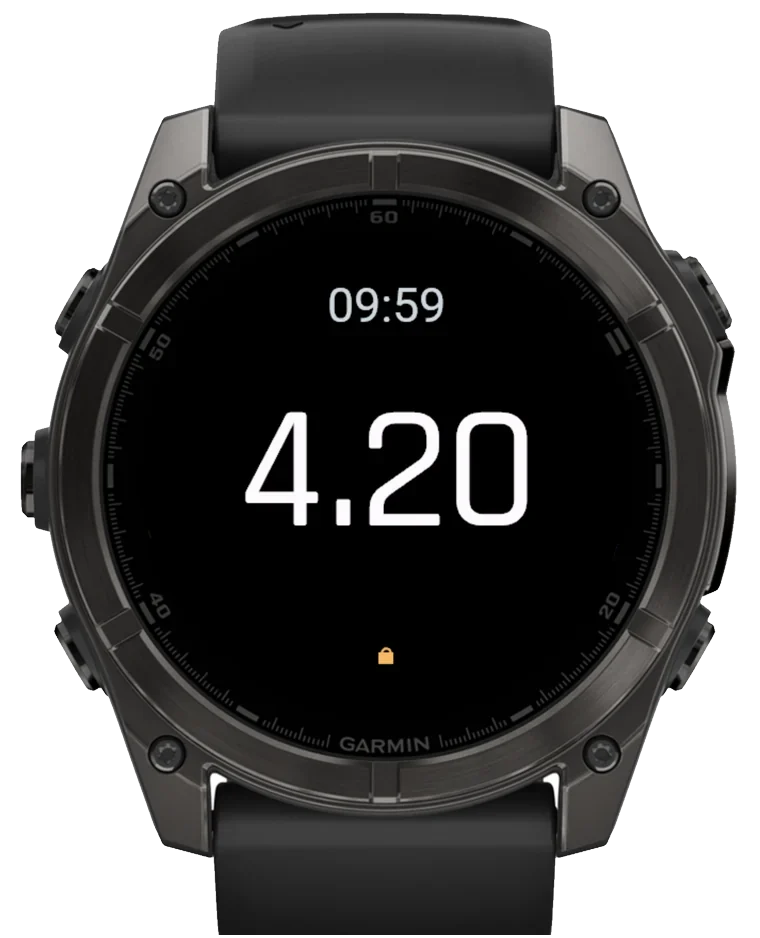
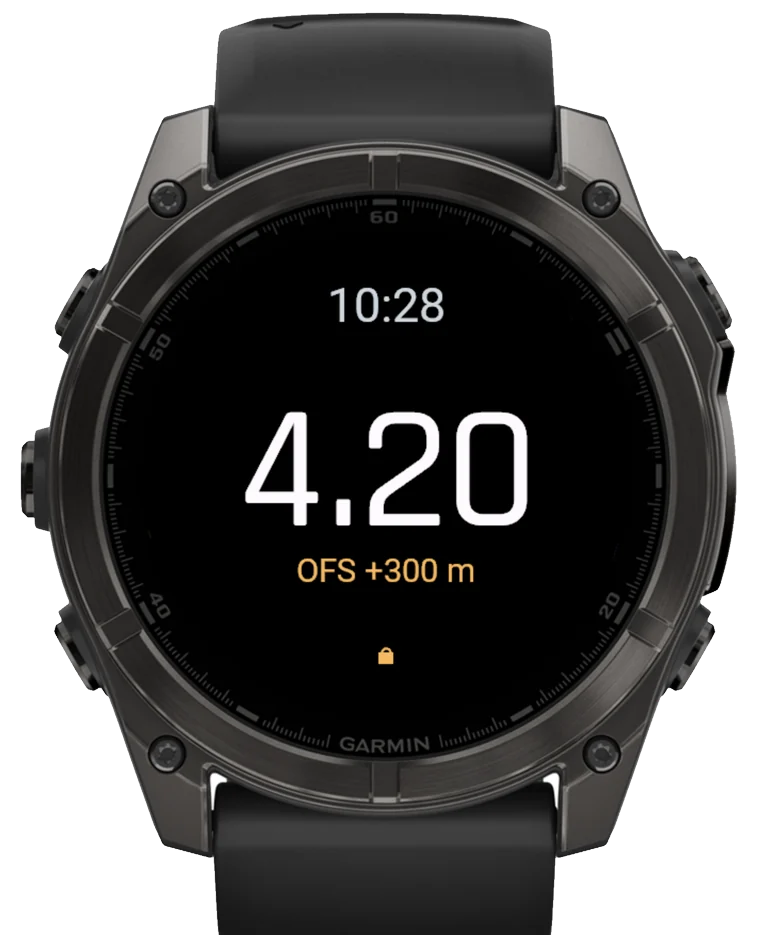
AltiFenix showing 4.20 km above ground in freefall on a Garmin fēnix 8

The only one of its kind

Garmin never gave your watch a real skydiving altimeter

No automatic zeroing. And a barometer smoothed so hard it can read 1,800–2,500 m at a 700 m canopy opening — sometimes still showing exit altitude after you’ve landed.

AltiFenix reads the raw pressure sensor and zeroes itself to the ground, automatically — so the number is right from exit to touchdown. It’s the only altimeter on Garmin that actually does the job.

Everything on your wrist

Built for the way you actually jump

Every screen below is the real app, running on a fēnix 8.

Large altitude readout in freefall

The number, big

AGL in the L&B Viso format — kilometers up high, meters down low, switching automatically at 1,000 m. Readable at a glance under stress.

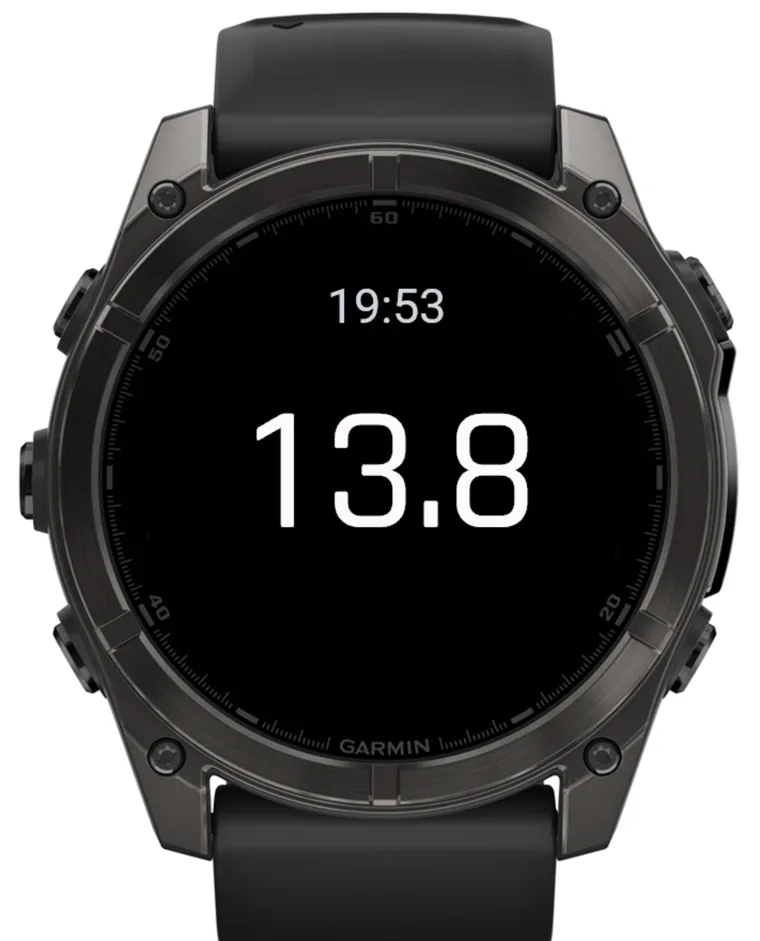
Altitude shown in feet

Meters or feet

Read it your way — the same jump in metric or imperial, set once and forgotten. That 4.20 km reads 13.8 up top, feet all the way down.

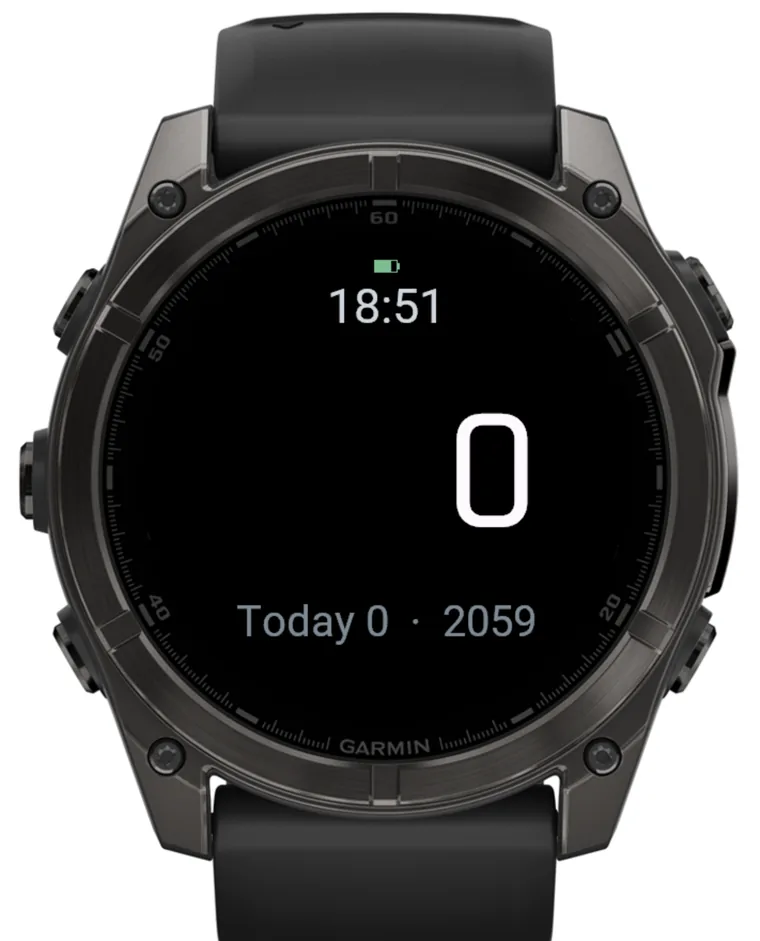
Ground screen zeroed to 0

Zeroes itself

No fiddling on the load. AltiFenix finds ground level automatically and holds it — even if you forget to open the app before takeoff.

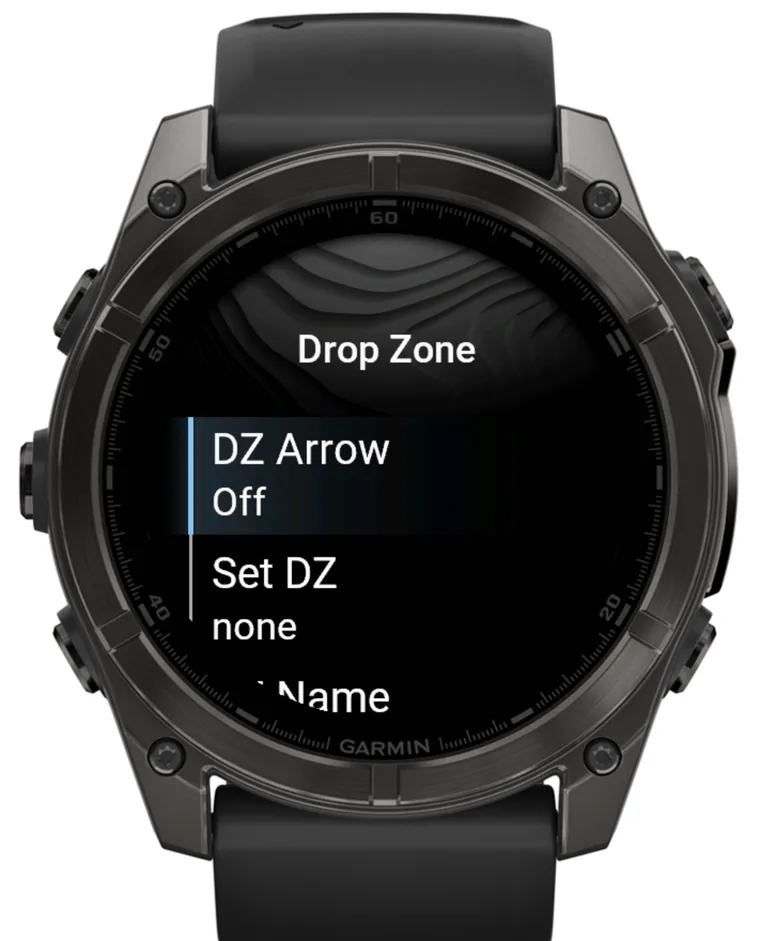
Drop Zone menu

Auto-DZ by GPS

It picks your drop zone from your location, so ground elevation is right wherever you jump. Set a landing offset by hand when you need to.

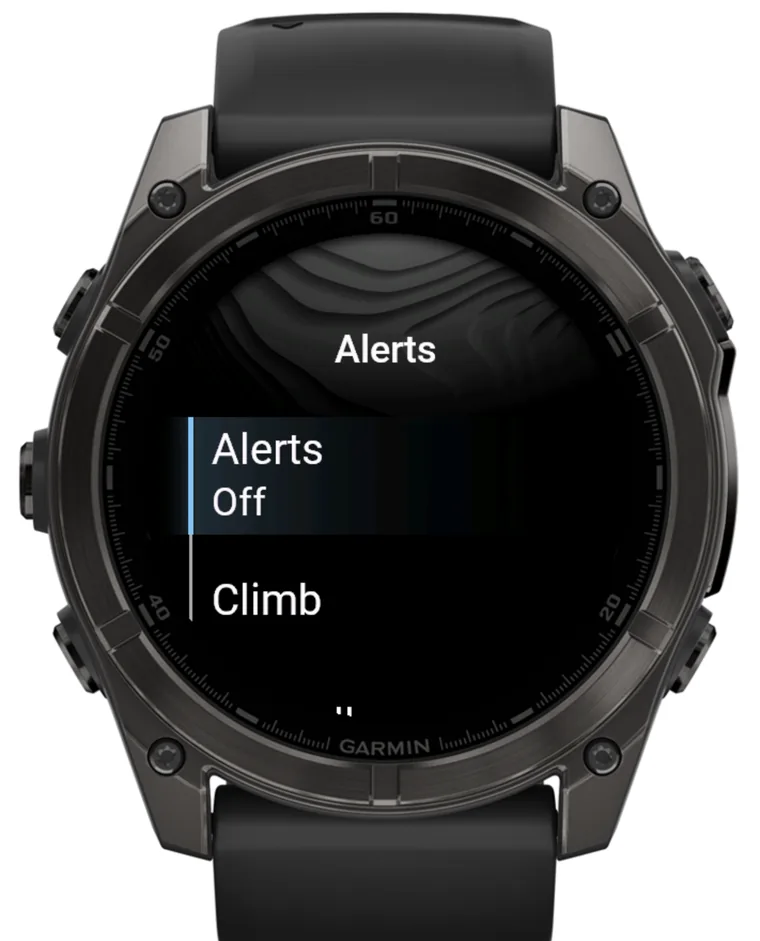
Altitude alerts menu

Altitude alerts

Vibration alarms you set per phase — climb, freefall, canopy. A pulse on the wrist at break-off, at your hard deck, wherever you want one.

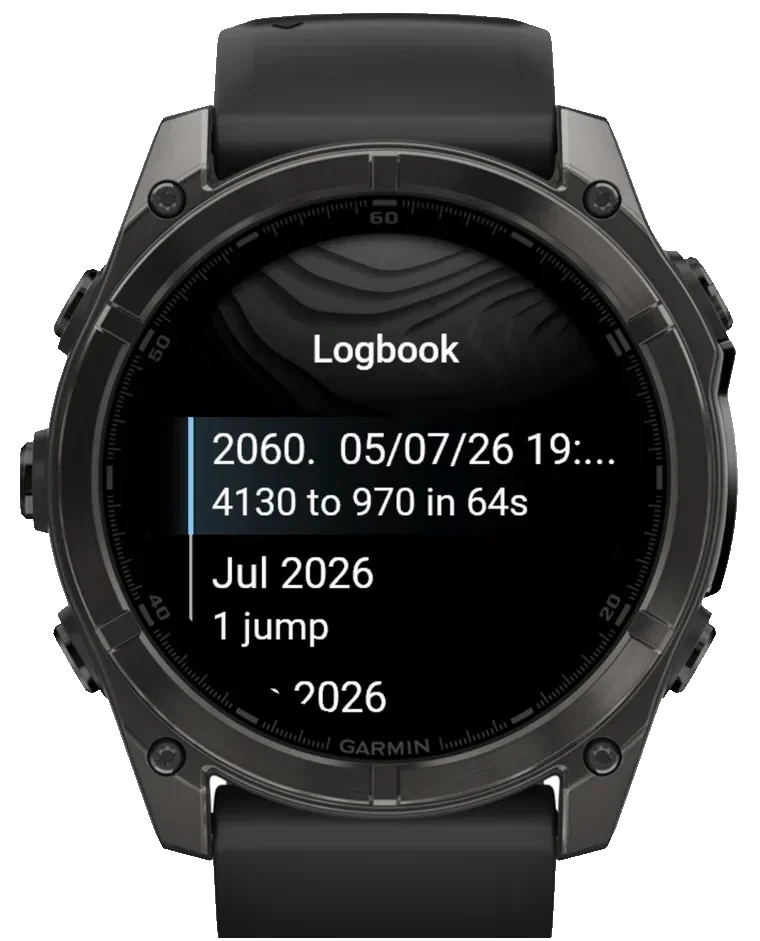
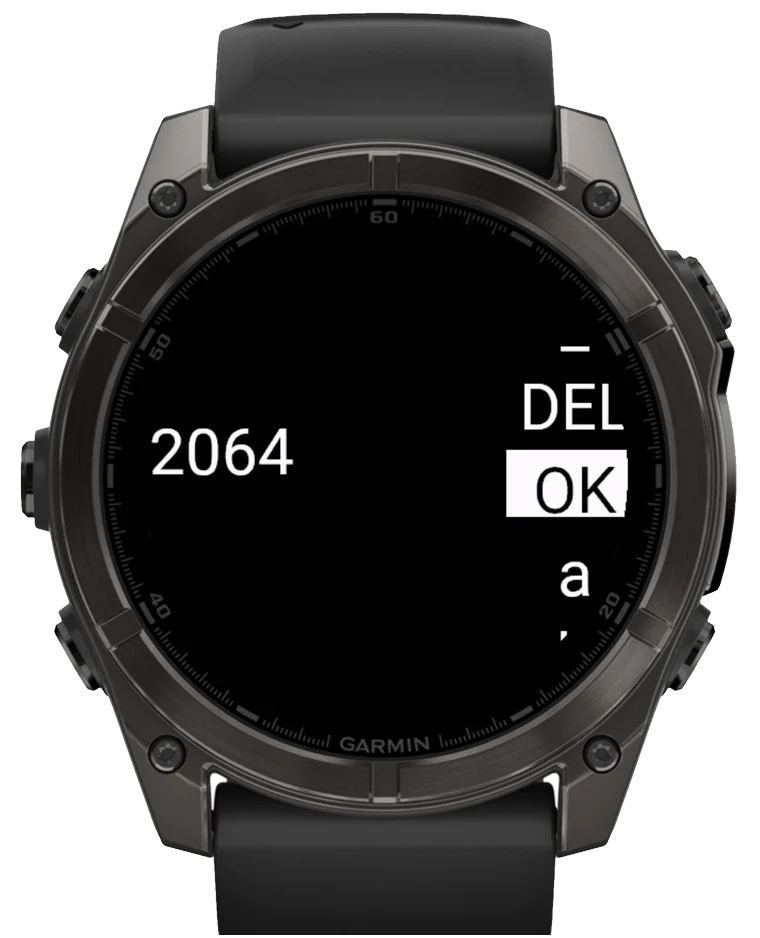
Jump logbook

Automatic logbook

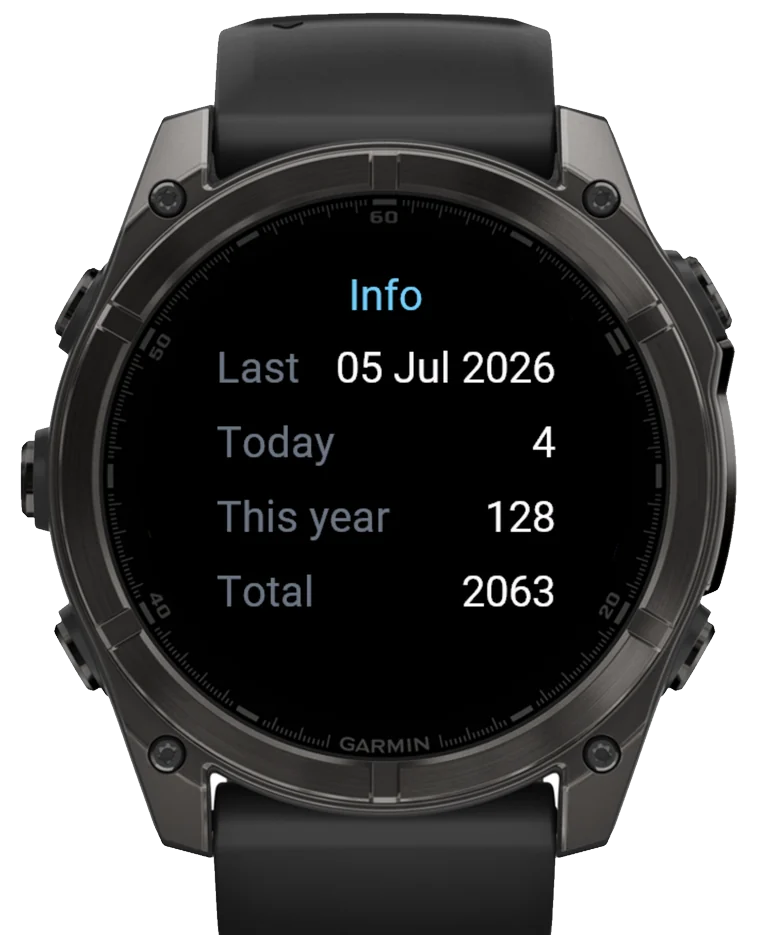
Every jump logs itself: exit and deployment altitude, freefall time, canopy time, and a running lifetime count — no buttons to press.

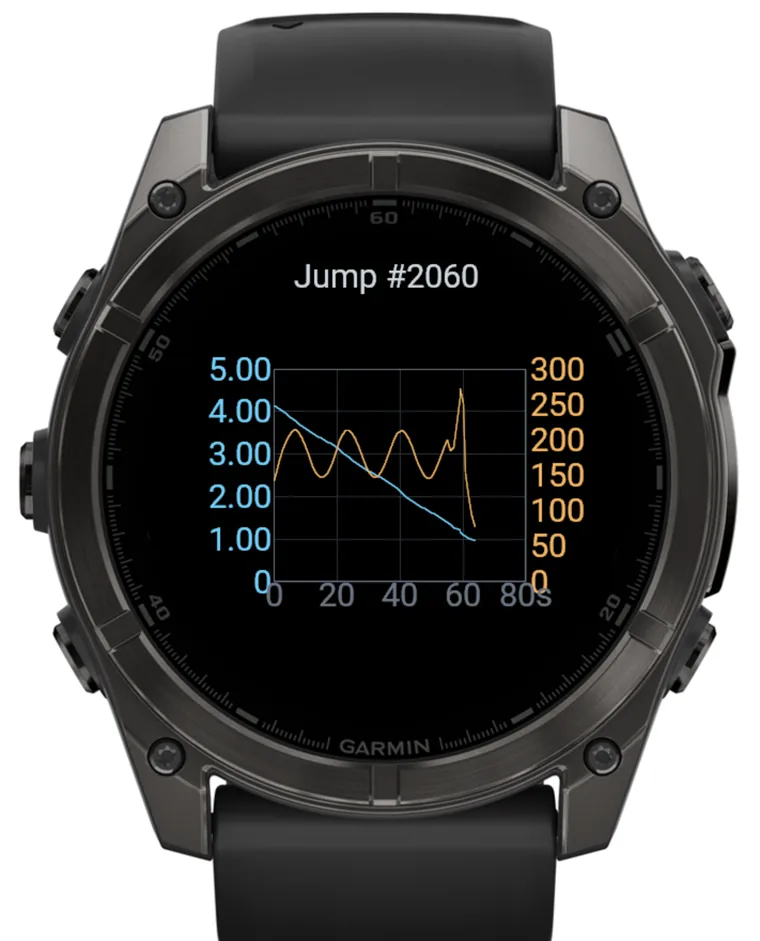
Freefall trace graph

Freefall trace graph

Scrub the whole descent after the jump — altitude and vertical speed over time, exit to deployment, right on the watch.

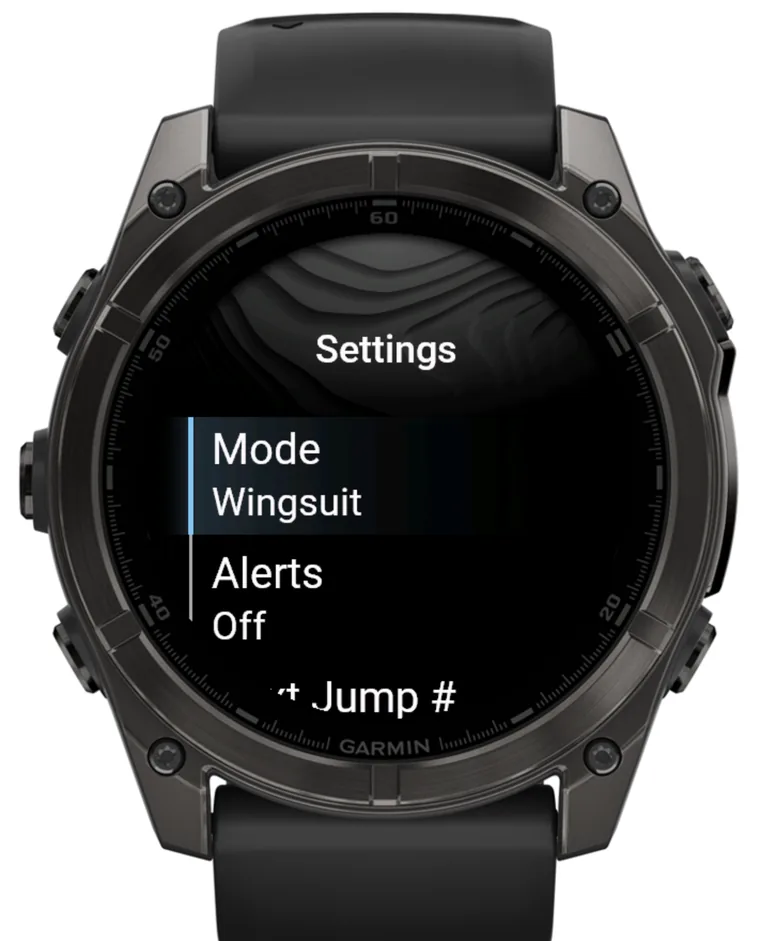
Settings with wingsuit mode

Wingsuit-aware

A dedicated wingsuit mode with its own detection, so a mellow flocking exit still logs as the flight it was — not a missed skydive.

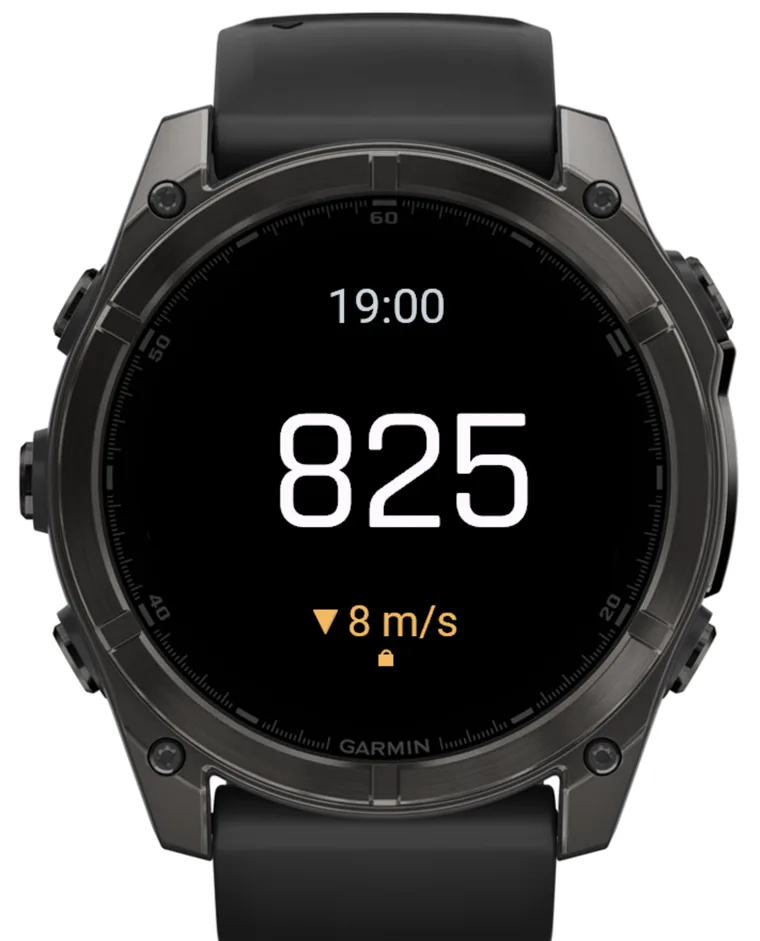
Canopy descent with rate

Descent rate under canopy

Once you’re open, the readout adds your vertical speed — spot a fast spiral or a long spot at a glance on final.

In-air screen with compass bezel, DZ arrow, offset and descent rate

One glance in the air

Where’s home? Which way am I facing?

The in-air screen layers the awareness you want without ever crowding the altitude.

DZ arrow + distance. A pointer to your drop zone, with how far out you are — so you always know where to fly.
Compass bezel. A north-referenced ring around the readout, with live heading.
Landing offset. A clear badge when your landing area sits above or below takeoff.
Vertical speed. Descent rate under canopy, and on the way to altitude.

And the small things that matter

Details you only notice when they save you

Auto input-lockButtons and touch lock themselves the moment you’re airborne, so nothing changes mid-jump. A triple-tap unlocks.
Bright modeA high-visibility readout for a sunlit sky or a night jump.
Wide device supportfēnix 8 & 7, epix 2, enduro 3, MARQ 2, descent, D2, instinct 3, Forerunner 955/965/970.

Read this first

AltiFenix is not a primary altimeter. It’s a backup and awareness aid. Always jump a certified visual altimeter, an audible, and an AAD. Barometric readings can lag or be wrong — the responsibility for your dive stays yours.

Why you side-load it

Garmin doesn’t allow skydiving apps in the Connect IQ store, so AltiFenix is installed directly — independent, and answerable only to the jumpers who use it. Setup takes a couple of minutes over USB; the guide walks you through it.

Simple

One watch, one price

$10 · one-time, per watch
  • The full altimeter, logbook and graphs — yours to keep
  • Your first 10 jumps to try before you buy
  • Beta testers keep it free, for good

Not for sale just yet — we’re finishing the beta and lining up the launch. Get on the list and you’ll be first to jump it.

Get on the list

Be first to put it on your wrist

Leave your email and we’ll reach out — a beta invite now, or a nudge the day it launches. No spam, no noise.